








Exploring iOS 26.1 Beta 2: Key Updates for Smarter, Safer iPhone Experiences
1 month ago | 5 Views
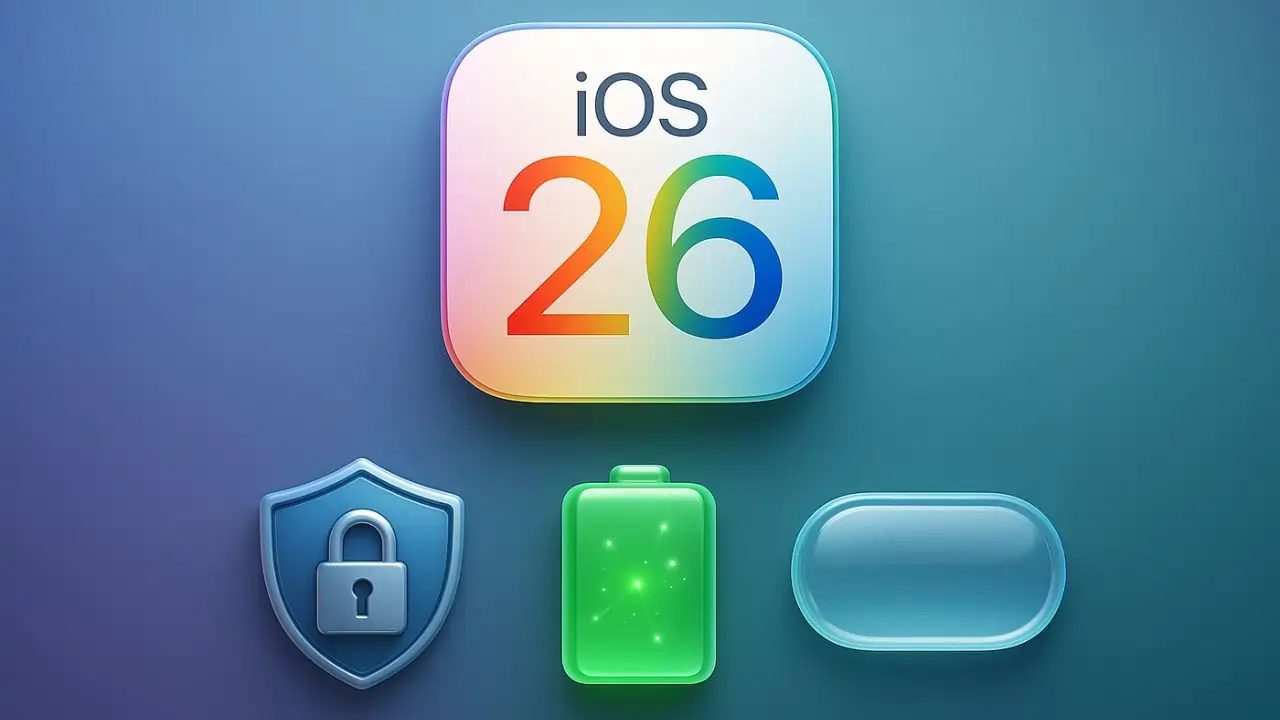
Apple's relentless push toward a more intuitive and secure mobile ecosystem continues with the rollout of iOS 26.1 Beta 2. Dropped just weeks after the stable iOS 26 launch, this beta iteration arrives as a free over-the-air update, inviting developers and early adopters to test refinements that promise to elevate everyday iPhone use. While it's still in testing, the changes spotlight subtle yet impactful tweaks in security, fitness tools, and interface design. If you're eyeing an upgrade, here's a closer look at what makes this beta noteworthy—and why it could reshape how you interact with your device.
Seamless Rollout: When and How to Get iOS 26.1 Beta 2
Timing is everything in Apple's beta cycle, and iOS 26.1 Beta 2 hit the servers on October 6, 2025, following hot on the heels of Beta 1 from late September. For those enrolled in the Apple Developer Program or the public beta initiative, snagging the update is straightforward: Head to Settings > General > Software Update, and let the system do the rest. It's designed to download in the background, minimizing disruption to your day.
This phased approach isn't just about speed—it's Apple's way of gathering real-world feedback to squash bugs before the full release, likely slated for late October or early November. Early reports suggest smoother installation on Wi-Fi compared to cellular, so plan accordingly if you're on the go. With iOS 26 already boasting nearly 200 enhancements from its September debut, Beta 2 feels like a thoughtful polish rather than a revolutionary leap.
Fortified Defenses: Background Security Improvements Take Center Stage
In an era where digital threats lurk around every corner, Apple's focus on privacy remains a cornerstone. iOS 26.1 Beta 2 introduces "Background Security Improvements," a revamped evolution of the Rapid Security Responses from prior versions. Tucked away in the Privacy & Security section of Settings, this new toggle lets users opt into automatic downloads and installations of critical patches—without the fanfare of a full update notification.
Think of it as your iPhone's silent guardian: It deploys fixes for vulnerabilities in the background, ensuring your data stays shielded even when you're not paying attention. This isn't flashy, but it's profoundly practical, especially for those juggling work emails and personal photos on the same device. Testers have noted it activates seamlessly during idle moments, like overnight charging, reducing the window for potential exploits. For families or remote workers, this means one less thing to worry about in a hyper-connected world.
Level Up Your Routine: Custom Workouts in the Fitness App
Fitness enthusiasts, rejoice—iOS 26.1 Beta 2 breathes fresh life into the Fitness app with long-awaited customization options. For the first time on iPhone, you can craft bespoke workouts tailored to your vibe, whether it's a brisk HIIT session or a leisurely yoga flow. Dive into the app, select your workout type (from running to strength training), and fine-tune details like estimated active calories burned, effort level, duration, and even a preferred start time.
This isn't just about ticking boxes; it's about personalization that sticks. Pair it with compatible accessories like AirPods Pro for real-time heart rate tracking, and suddenly, your iPhone becomes a pocket-sized coach. Early users report that these custom plans sync effortlessly across devices, making it easier to maintain momentum between gym visits and home stretches. In a post-pandemic landscape where hybrid routines rule, this update empowers you to own your wellness journey without the rigidity of pre-set programs.
Polished Touches: UI Changes for a Smoother Flow
Apple's design ethos has always leaned toward elegance over excess, and Beta 2's UI refinements exemplify that. A subtle yet welcome shift in the Settings app aligns icons and text for better visual harmony, reducing eye strain during those marathon scrolls through preferences. It's a small tweak—left-aligned elements now feel more balanced—but it cascades into apps like Phone and Photos, where frosted backgrounds and Liquid Glass effects enhance readability without overwhelming the senses.
These changes extend to everyday interactions, like swiping album art in Apple Music for quicker track skips or improved animations in Control Center. The result? A device that feels more responsive and alive, aligning with iOS 26's broader Liquid Glass aesthetic. It's the kind of understated evolution that makes you wonder how you managed without it.
Who Can Join the Fun? Availability for iPhone 11 and Beyond
Broad accessibility is key to Apple's appeal, and iOS 26.1 Beta 2 upholds that tradition by supporting iPhone 11 and all newer models, including the SE (2nd gen) lineup. That's a generous six-year window, ensuring even mid-tier devices from 2019 get in on the action. If you're rocking an older flagship, this beta confirms your hardware's still got legs for modern features like Apple Intelligence expansions in upcoming languages.
Of course, beta software isn't for the faint-hearted—expect occasional hiccups like battery drain or app glitches. Back up your data via iCloud first, and consider sticking to a secondary device if possible.
Wrapping Up: A Beta Worth Beta-Testing
iOS 26.1 Beta 2 may not scream "game-changer," but its layered improvements in security, fitness flexibility, and UI finesse add up to a noticeably refined experience. As Apple fine-tunes this for prime time, it's a reminder of their commitment to iterative excellence. If you're an iPhone loyalist craving that next-level polish, now's the time to dive in—just tread lightly until the stable version lands. Your future self (and battery life) will thank you.
Get the latest Bollywood entertainment news, trending celebrity news, latest celebrity news, new movie reviews, latest entertainment news, latest Bollywood news, and Bollywood celebrity fashion & style updates!
HOW DID YOU LIKE THIS ARTICLE? CHOOSE YOUR EMOTICON!
# iOS26 # iPhone