Microsoft Ends Windows 10 Support: Final Update and Next Steps

Microsoft Ends Windows 10 Support: Final Update and Next Steps

1 month ago | 5 Views

A Milestone Moment for Windows 10

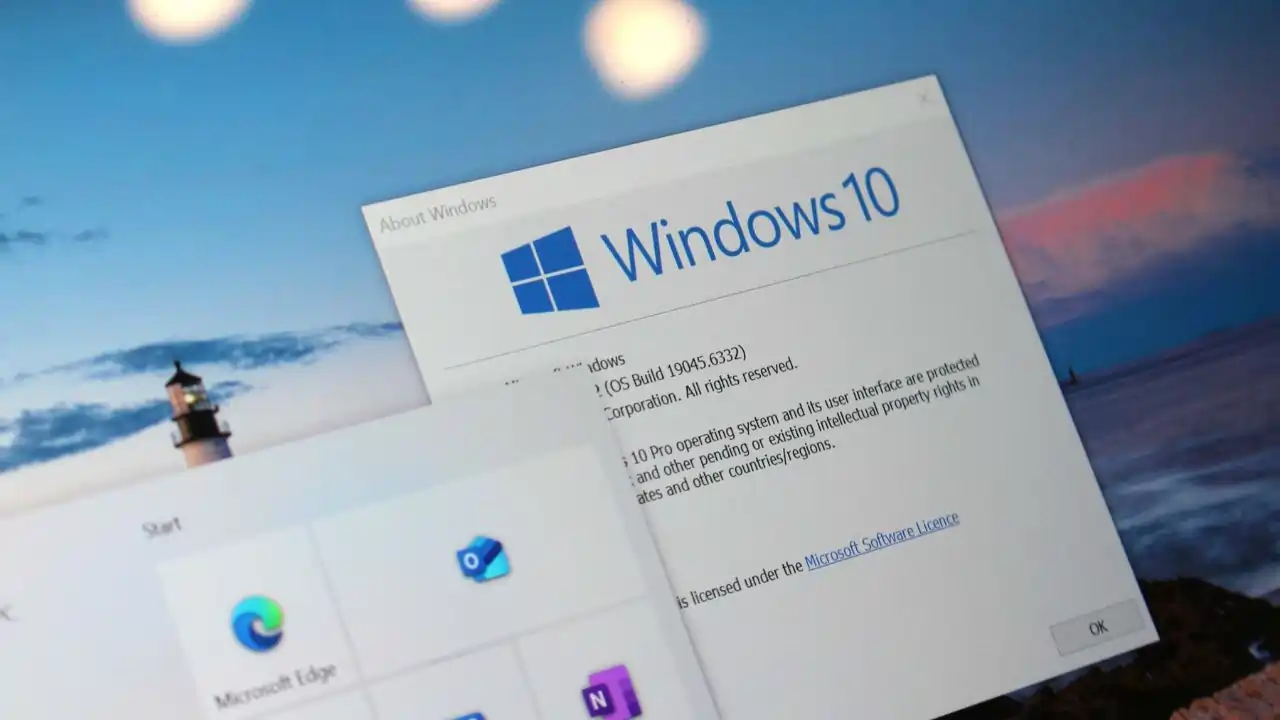
Microsoft has officially concluded support for Windows 10, marking the end of an era for one of its most widely used operating systems. The final update, released recently, addresses critical issues in the Input Method Editor (IME), Windows Remote Management (WinRM), and modem connectivity. This update is a must-install for all Windows 10 users, as it delivers essential security patches to keep systems protected. With mainstream support now over, users face a pivotal decision: upgrade to Windows 11 or enroll in the Extended Security Updates (ESU) program for continued protection.

What’s Included in the Final Update?

The last Windows 10 update focuses on resolving lingering bugs and bolstering security. Key fixes include:

  • IME Enhancements: Improved functionality for users relying on Input Method Editors, particularly for non-Latin language inputs, ensuring smoother text entry.
  • WinRM Stability: Patches for Windows Remote Management, which enhances remote system administration, making it more reliable for IT professionals.
  • Modem Connectivity Fixes: Solutions for modem-related issues, ensuring stable internet connections for users on older hardware.

Beyond these, the update includes critical security patches to safeguard against vulnerabilities. Installing this update is non-negotiable for anyone still running Windows 10, as it provides a final layer of protection before support fully ceases.


Why You Should Install Immediately

With cyber threats evolving daily, delaying this update could leave your system exposed. The included security patches address known exploits, offering a temporary shield until you decide your next move. Microsoft has emphasized that no further updates will follow, making this your last chance to secure Windows 10 without additional costs. To install, head to Settings > Update & Security > Windows Update and check for updates. Ensure your system is up to date to avoid potential risks.

The Road Ahead: Upgrade or Extend?

With Windows 10 support officially ended, users have two primary options:

  • Upgrade to Windows 11: Microsoft encourages transitioning to Windows 11, which offers modern features, enhanced performance, and ongoing support. However, check your device’s compatibility, as Windows 11 has stricter hardware requirements, including TPM 2.0 and newer processors.
  • Join the Extended Security Updates Program: For those unable to upgrade—due to hardware limitations or business needs—the ESU program provides security updates for a fee. This is ideal for enterprises or individuals needing more time to transition.

Both paths require action. Delaying could mean running an unsupported system, increasing vulnerability to malware and other threats.

Preparing for the Future

The end of Windows 10 support signals a shift in Microsoft’s focus toward newer technologies. For users, it’s a reminder to stay proactive about system updates and hardware compatibility. If upgrading to Windows 11, back up your data and verify your device meets the requirements. If opting for ESU, research the program’s costs and terms to ensure it fits your needs.

Final Thoughts

Microsoft’s final Windows 10 update is a critical step for maintaining security in the short term. Install it now to protect your system, and start planning your next steps—whether that’s upgrading to Windows 11 or enrolling in the ESU program. Staying informed and prepared ensures your digital environment remains secure and efficient.

Read Also: Realme 15 Pro Game of Thrones Edition: Conquer Your Tech Realm with Iron Throne Flair

Get the latest Bollywood entertainment news, trending celebrity news, latest celebrity news, new movie reviews, latest entertainment news, latest Bollywood news, and Bollywood celebrity fashion & style updates!

HOW DID YOU LIKE THIS ARTICLE? CHOOSE YOUR EMOTICON!

# Microsoft     # Windows10